Fewer handoffs
Conversations, file previews and document references share a workspace. The next step stays close.
 AEGIS
Request access
AEGIS
Request access
Messages, meetings, documents and tools. One desktop workspace to work with your team, keep your files close and choose how you connect.
Aegis brings communication, documents, passwords and code into the same app. Open the file behind a message. Follow a reference back to its source. Keep working without piecing the context back together.
Conversations, file previews and document references share a workspace. The next step stays close.
A focused work inbox brings attention back to the people and conversations that matter.
Local files and an offline credential vault. Direct connections or your own relay. Optional models on your device.
From the first conversation to the work that follows.
 Aegis / Workspace study
Read the update. Open its document. Keep the discussion beside the work.
Explore Nexus Work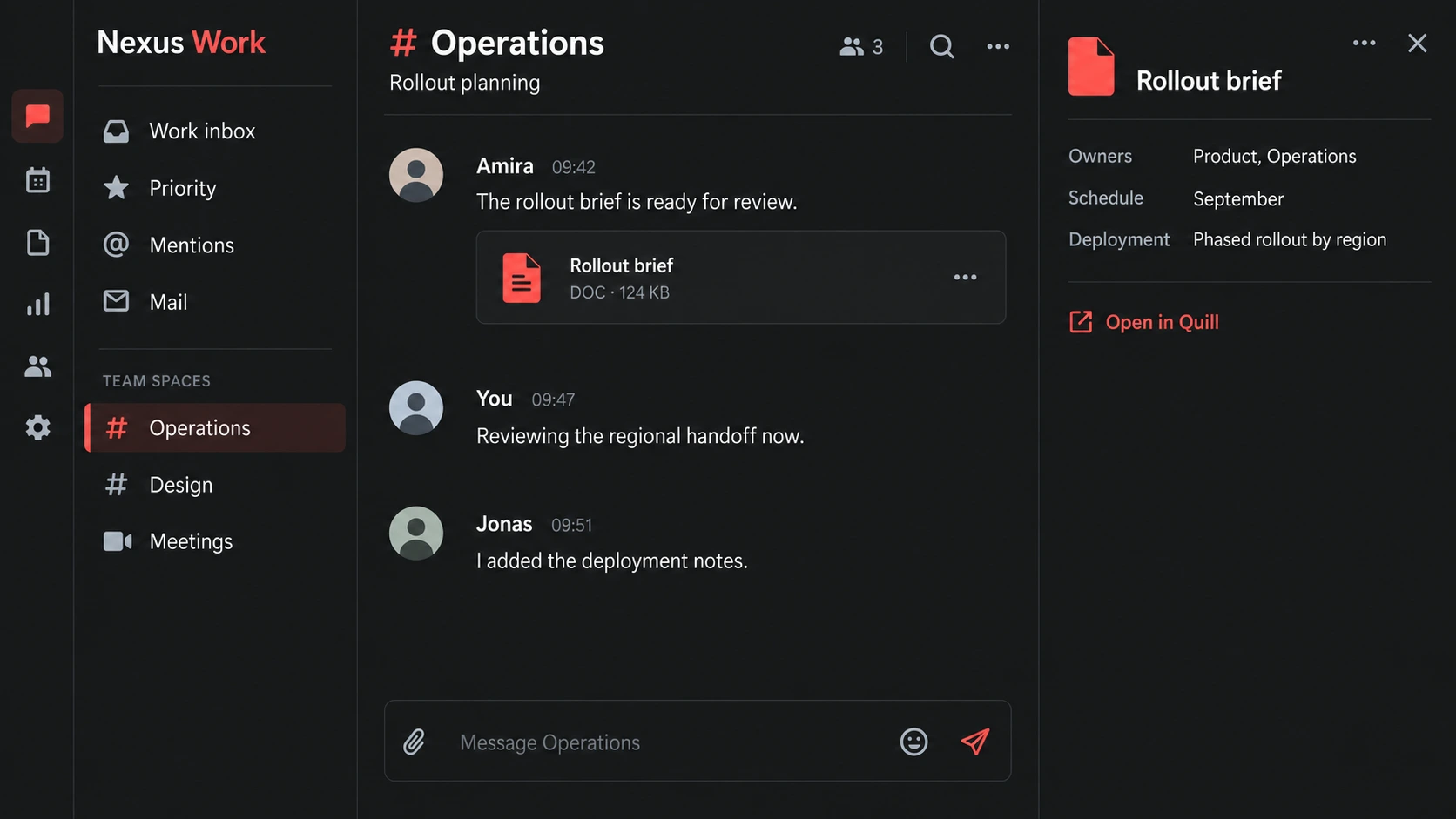
Link a note to the document behind it. Find the source again when the next question comes.
Explore connected documents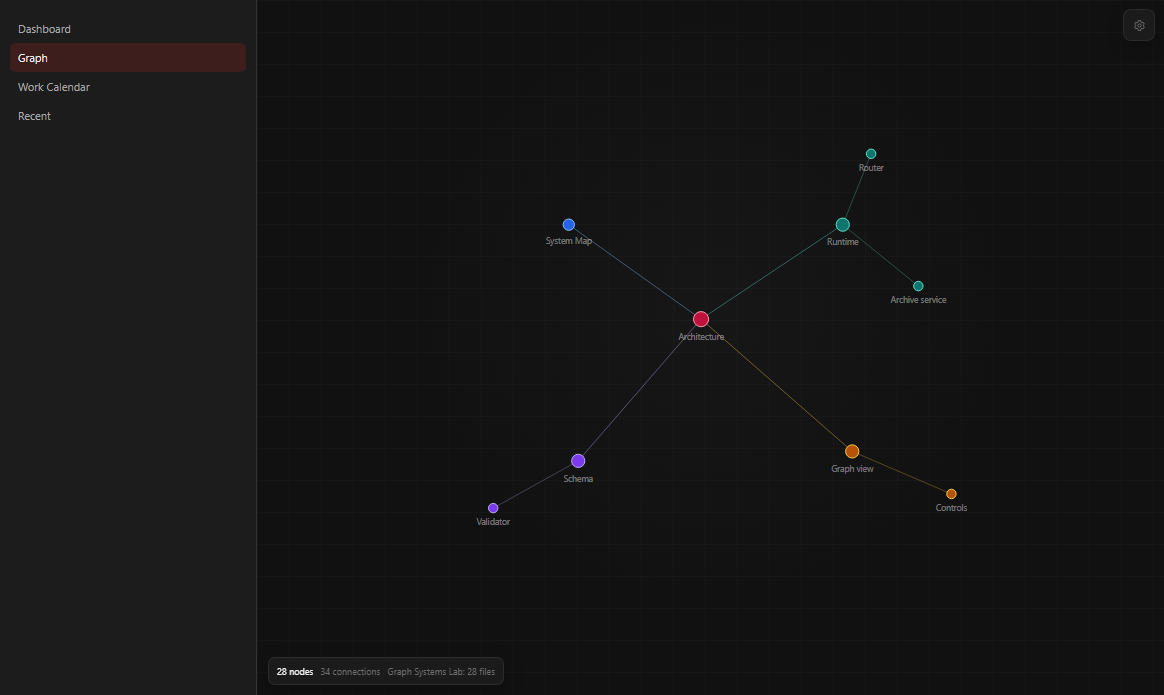
Nexus Work brings company groups, channels, threads, calls and meetings together. Use a work inbox to catch up, and roles to keep team spaces organised.
Share a document reference or preview a file in the conversation. The people, discussion and source material stay within reach.
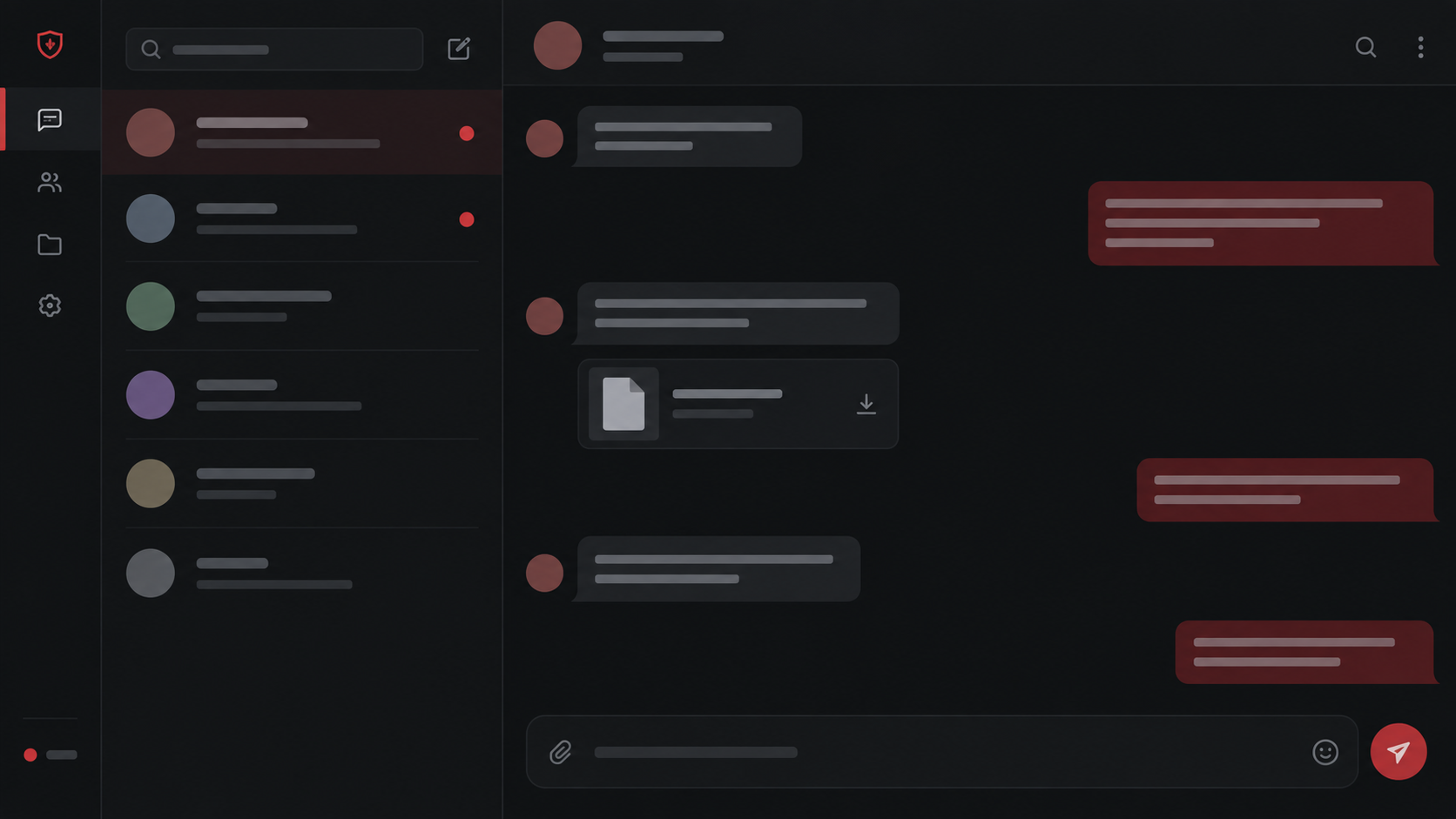
See the team planMove between direct messages, group conversations and calls without leaving Aegis. Share files, media, formatted code and references where people are already talking.
Keep personal conversations separate from company spaces, with your documents and tools still close at hand.
Keep notes, documents, sheets, canvases and code files in a local archive. References link one piece of work to another, so a decision can point straight to the source behind it.
Bring in local and already-synced folders. Optional local model helpers can propose edits and summaries; you review the result before saving it.
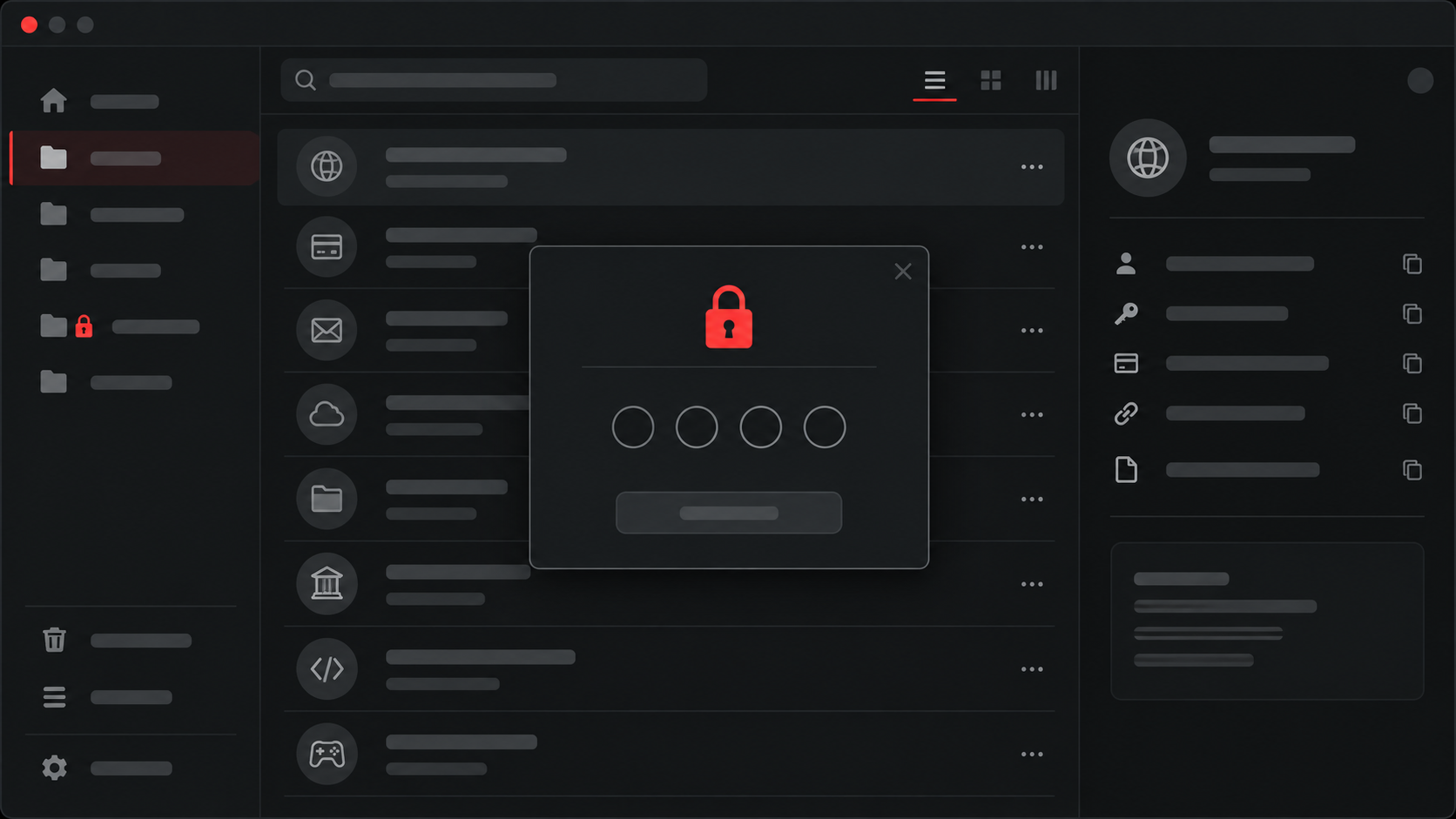
Citadel keeps accounts and secrets in an encrypted local vault. Find the password you need quickly, while sensitive folders can ask for their own PIN or hardware key.
Controlled fill and KeePass import make it easier to bring existing credentials into daily work without making an online account the gate to your vault.
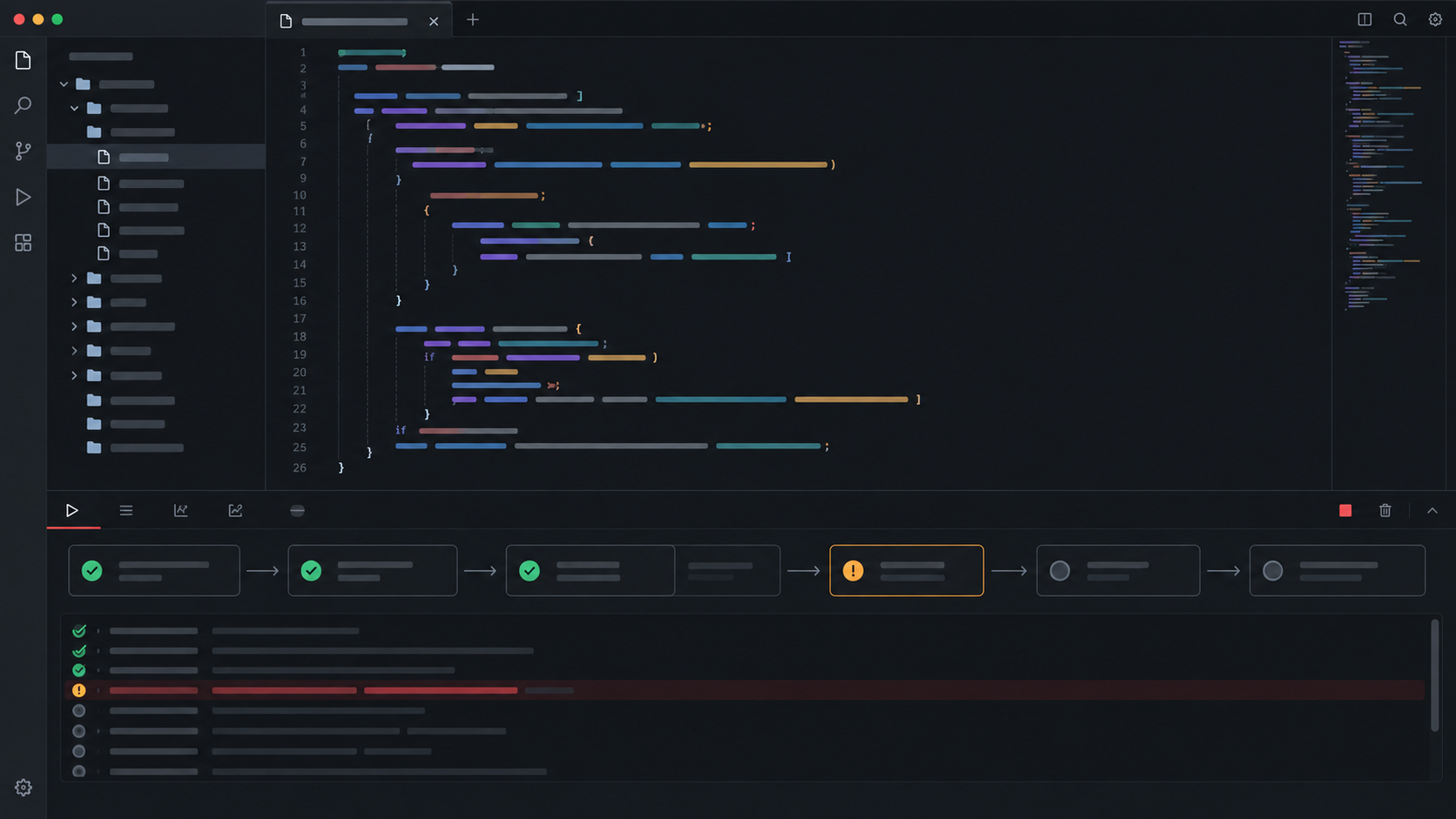
Ghost brings files, changes and code relationships into view. We are building an isolated runner and visual run trace to show where execution fails and make the next fix easier.
A project brief can point to a working note. A message can carry the file being discussed. Quill references connect documents, sheets, canvases and code, so the explanation stays attached to the work.
Start with files on your device, including folders already synced by Drive or OneDrive. Keep your existing folders and bring their contents into the workspace.
Local files, document references and chat previews form the starting point. Direct Google Drive and OneDrive connections, richer shared editing and archive migration are still in development. We confirm your required workflows before rollout.
Aegis can connect to a compatible model running on your device. It is an optional way to get help with your work without requiring a hosted AI account or another cloud AI seat fee. Availability depends on the module and your local setup.
Choose who works together and where the connection runs. Invite people into groups and channels, connect devices directly where possible, or host a relay within your own environment.
Set up your company workspace, teams and channels. Membership and roles decide who can take part.
Use device-to-device routes when they are available and appropriate for your network.
Use your infrastructure and operating policies. We help plan and qualify your relay deployment, including Kubernetes, during early access.
Bring your company into Aegis. Team spaces, roles and connected work, with no required cloud AI add-on. Personal use and self-hosted routing remain separate and free; infrastructure costs are your own.
Discuss your teamPrices exclude applicable tax. Paid ordering is not open online. We provide the final quote and terms before any charge.
Tell us about your team, the environment you want to run, and the work you want to bring together.
Start a conversation